Project Management · Visibility
Every project. One view.
See what's due, what's overdue, who owns it, what's in review,
who's blocking. Filter, slice, nudge. The PM layer your team's been simulating in spreadsheets, built into the platform that's doing the work.
What Iris does for project management
No more"what's the status?"
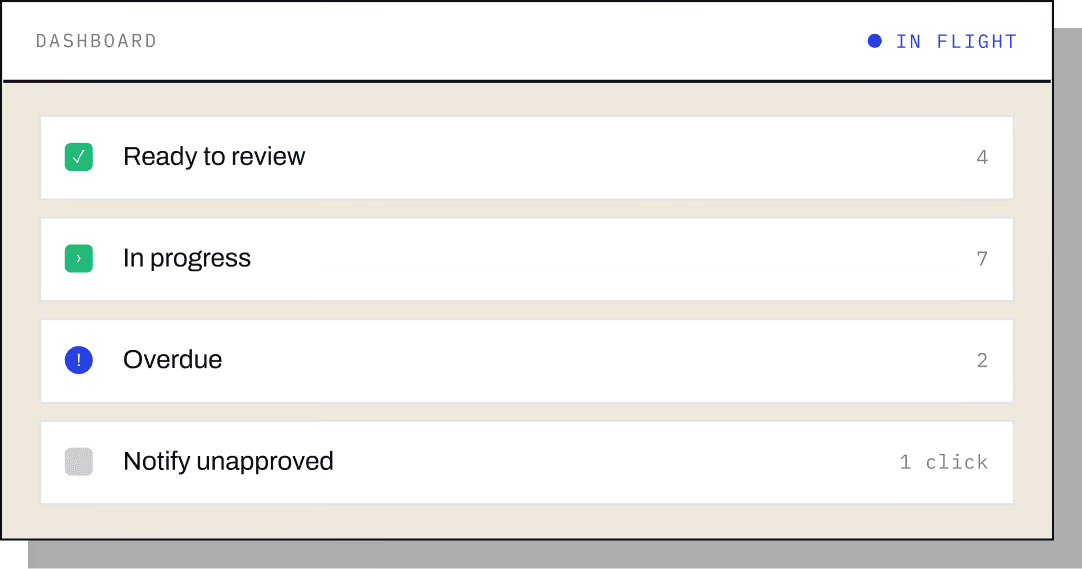
Every project, one dashboard
At a glance.
See due dates, owners, approvers, and status at a glance, in-flight, ready to review, approved, submitted, overdue. Filter by date range, owner, approver, or stage. No more "what’s the status?" pings.

Assign to people or groups
The assignment routes itself.
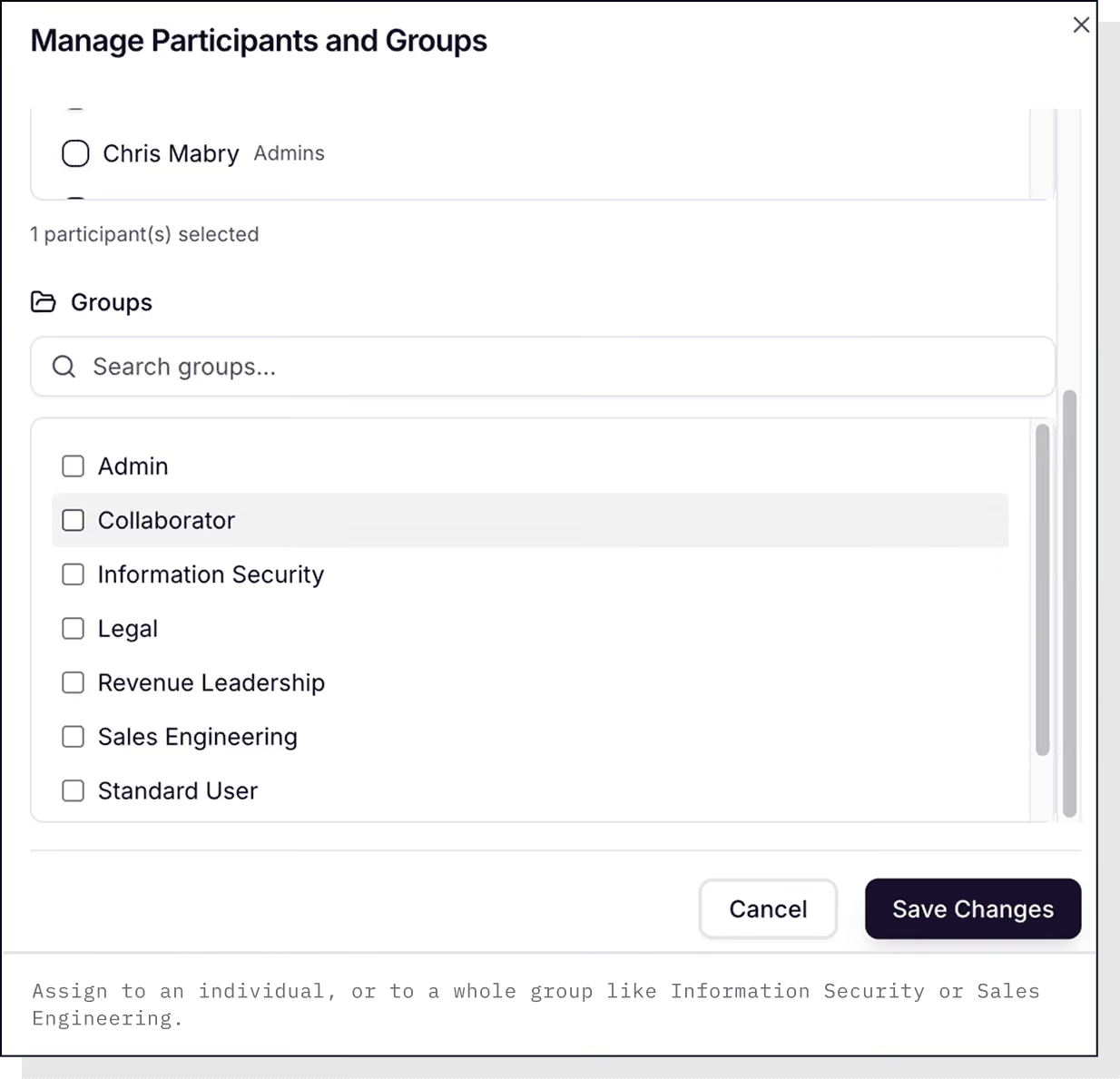
Send a question or a whole section to a named individual, or to a group like Information Security, Sales Engineering, Legal, or Revenue Leadership. Whoever picks it up does the work.
Multi-reviewer workflows
How your team actually approves.
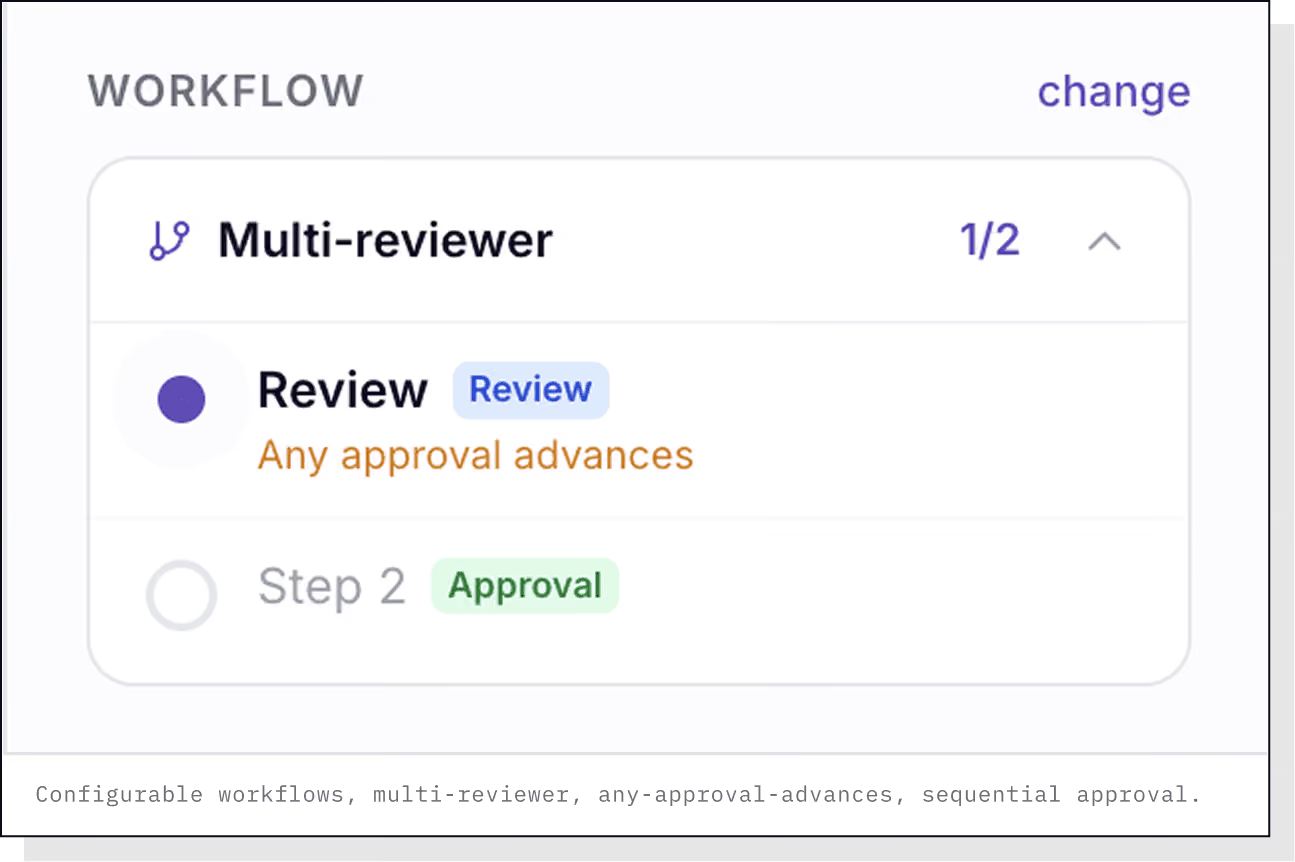
Configure any approval chain, single reviewer, multi- reviewer, any-approval-advances, sequential. Built around how your team actually approves.
Drill into a project
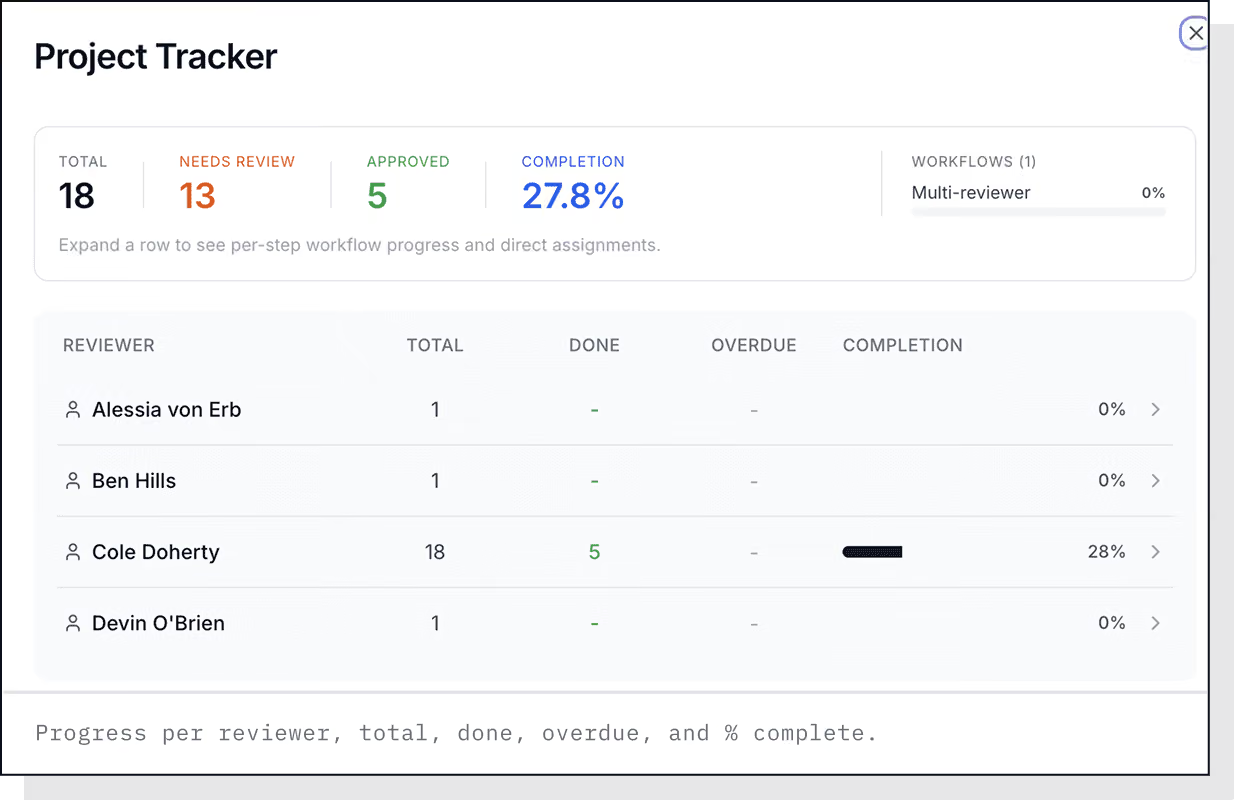
Progress per assignee.
Progress per assignee, questions completed vs outstanding, who hasn’t responded yet, filter by status, sheet, section, assignee, confidence, or comments.
One-click nudge
Stop chasing in Slack.
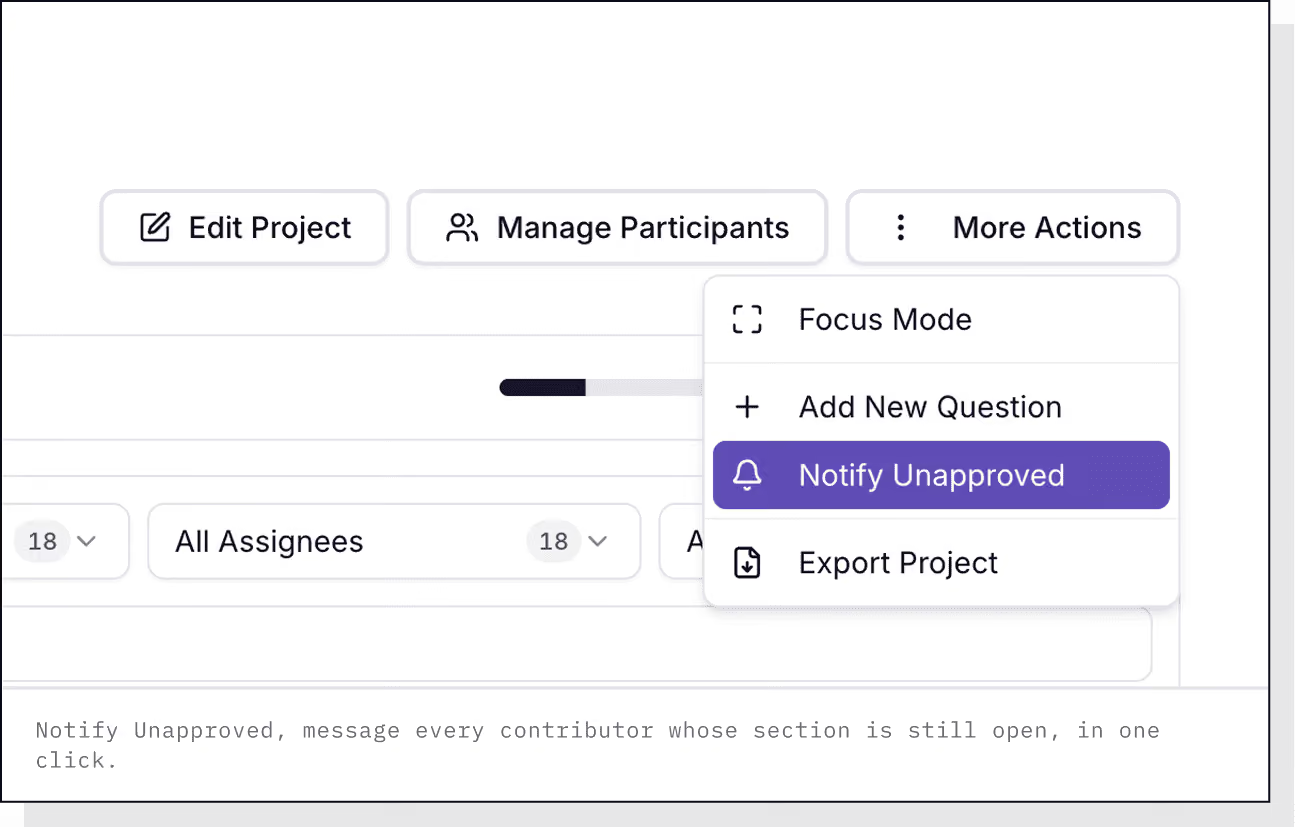
Ping a contributor. Use 'Notify Unapproved' to message everyone who hasn’t completed their section in a single click. Stop chasing in Slack DMs.
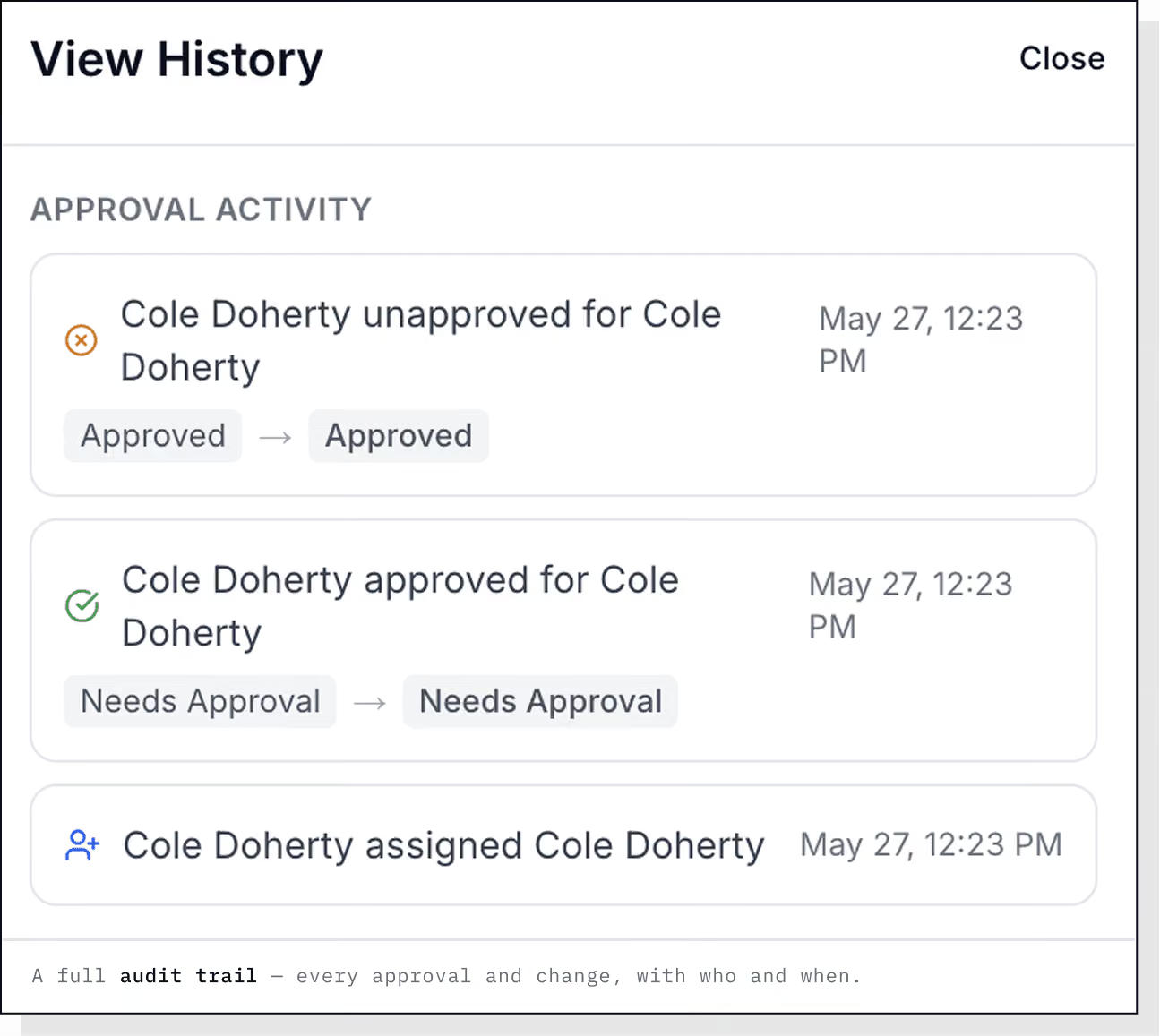
Full audit trail & version history
Who did what, when.
Every edit, approval, reassignment, and submission is captured with a timestamp and the user behind it, so a project lead can always see who did what, when. Compliance review without the archeology.
See it live
Six projects, one view.
15 minutes. See your last six projects rolled up in one view, owners, due dates, and what's blocking.