Ask Iris · Enablement
Your team's
knowledge, wherever they work.
Sales, security, HR, success, anyone in your org can ask a question and get an answer with a citation. Iris pulls from your knowledge map on the homepage, in a browser extension on any site, right inside Slack and Teams, or within your AI tools via Iris MCP.
Four ways to ask
Wherever the question comes up.
Same governed knowledge map, same cited answers, meet your team in
whatever tool they are already in.
01 · In the Iris app
Just ask on the homepage.
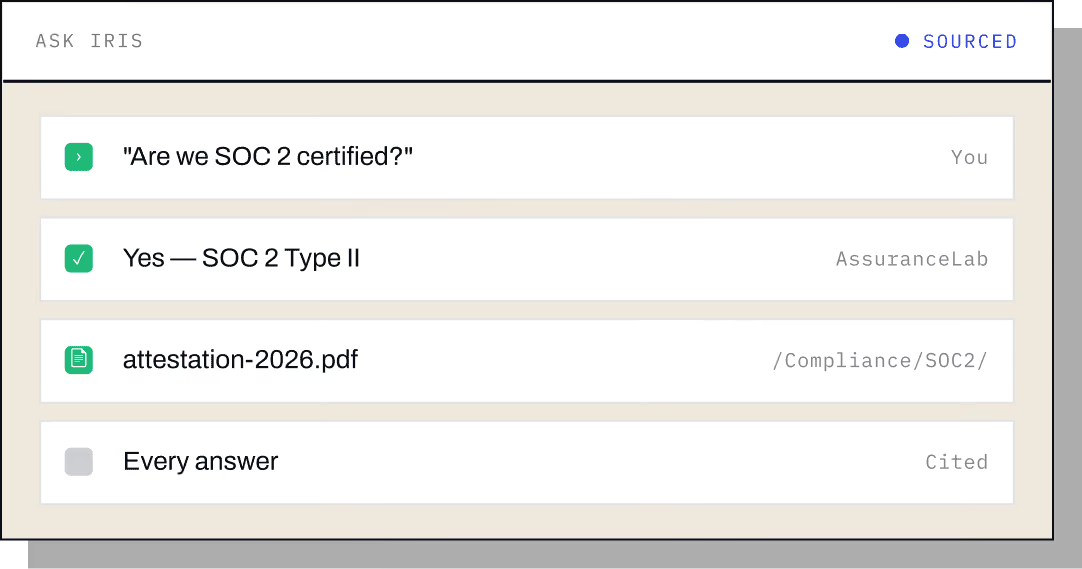
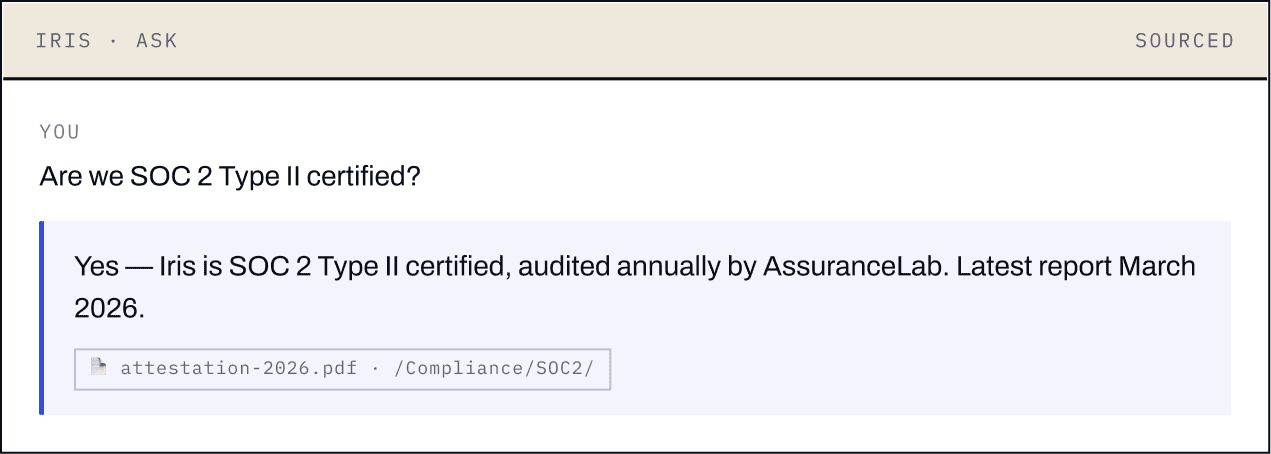
Open Iris and ask "Are we SOC 2 certified?", or anything else your knowledge map covers. Every answer comes back with the source it was pulled from.
02 · Browser extension
On the side of any page.
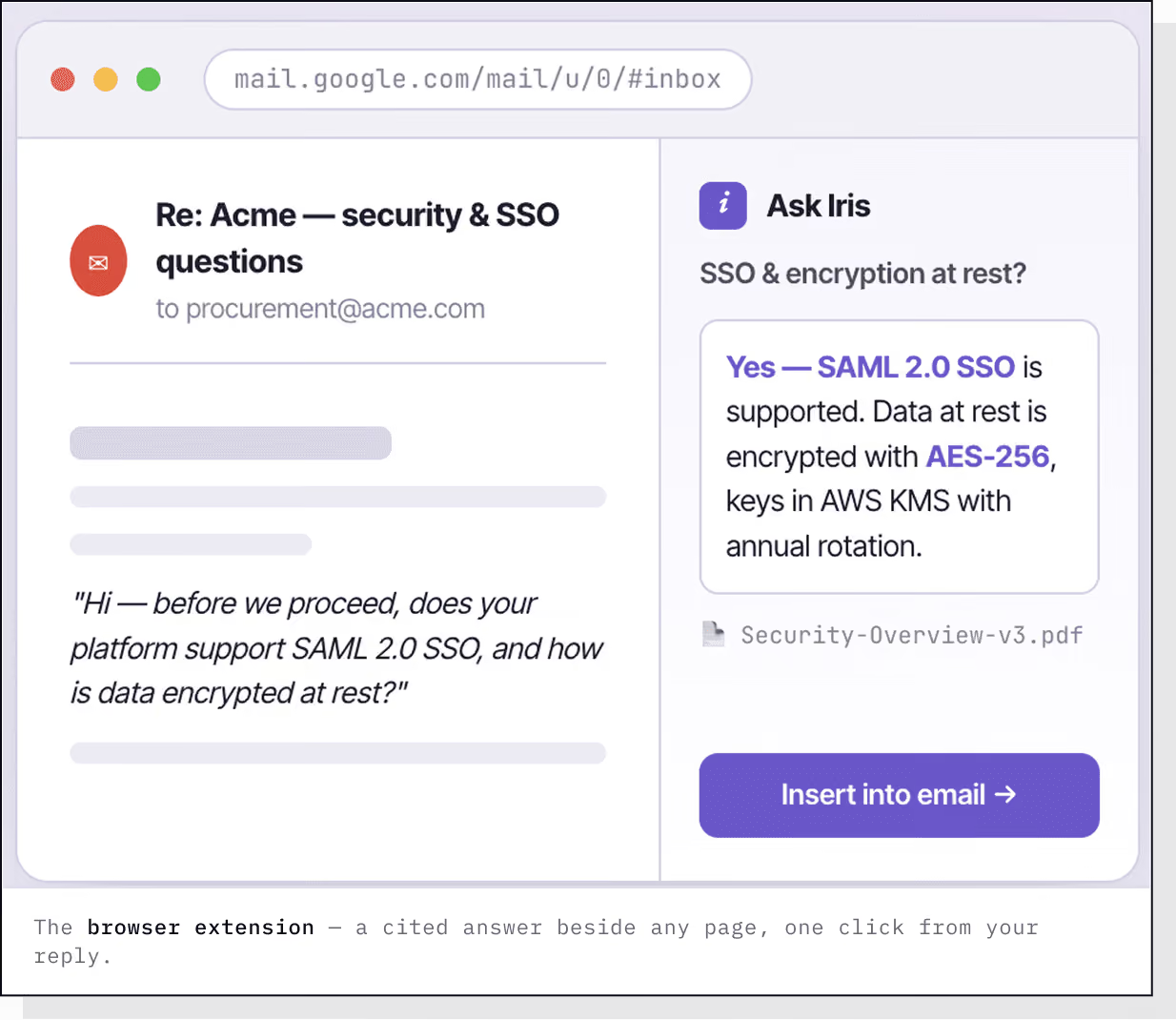
Ask Iris from Gmail, Salesforce, HubSpot, or any site you are working in. You are writing to a prospect, hit a question you do not know, and the answer, with its source, is one click from being dropped right into your reply.
03 · Slack & Teams
Right where your team chats.
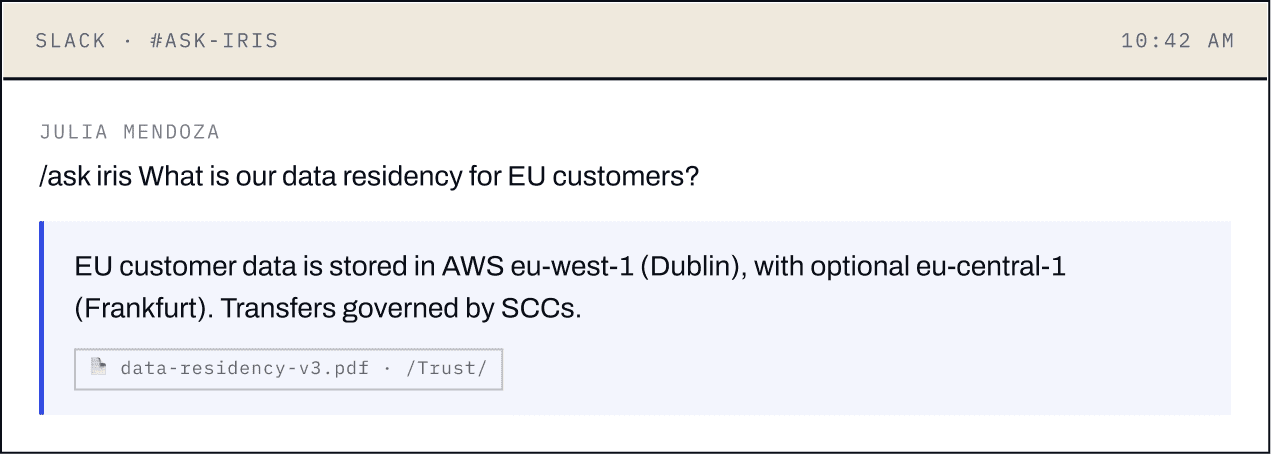
Ask Iris in a Slack or Teams message and get a cited answer back in the channel, no context switching, no pinging the SME and waiting a day for a reply.
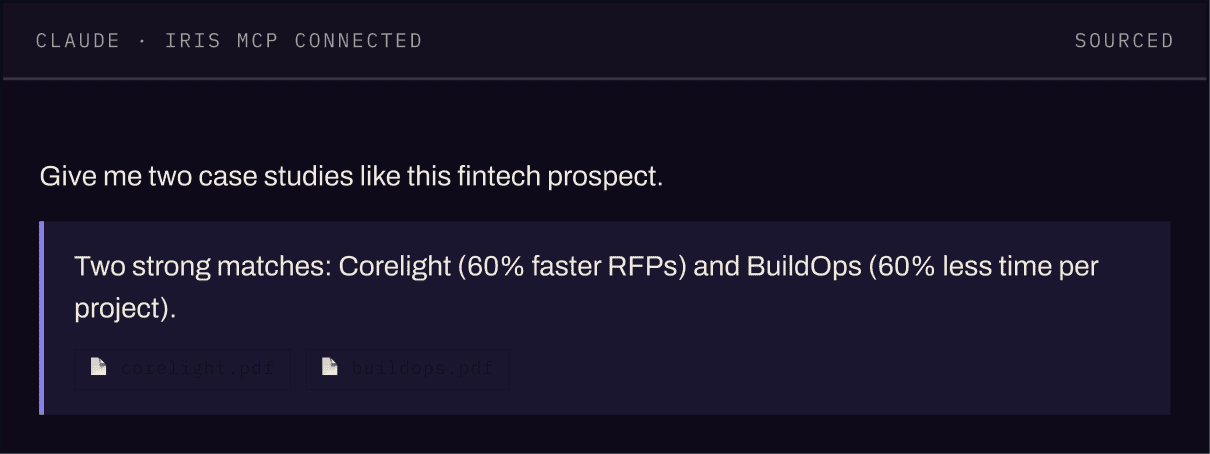
04 · Iris MCP
Inside your AI tools.
Connect Iris to Claude, ChatGPT, or Microsoft Copilot via Iris MCP and pull cited answers from your workspace into any conversation.
See it live
Give every
rep a cited answer.
See Ask Iris run on your own knowledge map, on the
homepage, in the browser, in Slack, and in your AI tools.